Choose a story
Preview four cinematic videos and pick the story that feels like you. Your selection chooses the fixed scene and soundtrack.
Two portraits. A cinematic love story. Beyond the living.
Choose one of four stories, add a clear portrait of each adult and confirm their permission. The generator is loading.
Preview four cinematic videos and pick the story that feels like you. Your selection chooses the fixed scene and soundtrack.
Choose one clear photo of each consenting adult. Add the survivor first and the zombie partner second, then confirm you have permission to use both images.
Review the credit cost and select Generate video. When your story is ready, watch the result and download it for your own collection or personal social sharing.
These fictional adults were created with AI for this demonstration. They are not customers or real people giving a testimonial.

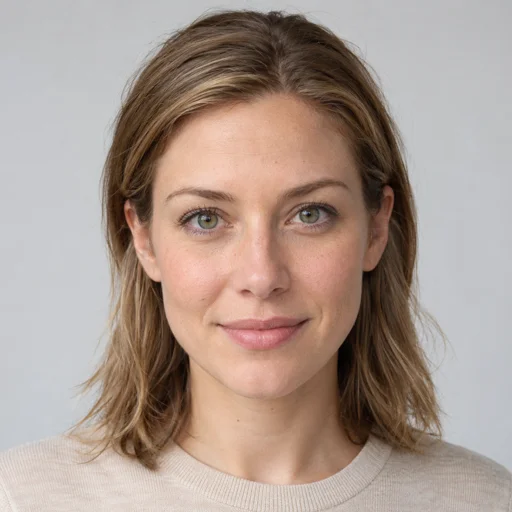
This example shows face replacement in the railway reunion story. The current generator uses the same fixed video with the portraits you choose; facial likeness can vary with the photos and movement in the scene.
Watch both the infected scene and the warm memory. Faces can look different as a character turns, moves or becomes partly hidden. This is one actual output, not a promise that every photo will produce an identical result.
Bring your own consenting adults' portraits. Choosing this template keeps any photos you have already selected.
Choose a one-time credit pack or a recurring plan. Each current 10-second story uses 200 credits. Your exact cost appears before you generate.
$9.99
300 credits · one-time
A single purchase for personal keepsakes and seasonal stories. Use your balance across the available couple templates.
$29.99
1,200 credits · one-time
A single purchase for personal keepsakes and seasonal stories. Use your balance across the available couple templates.
$99.99
5,000 credits · one-time
A single purchase for personal keepsakes and seasonal stories. Use your balance across the available couple templates.
$24.99 / month
1,200 credits / month
For couples who create regularly. Check the billing interval and monthly credit allowance before subscribing.
$239.99 / year
1,200 credits issued every month · billed yearly
For couples who create regularly. Check the billing interval and monthly credit allowance before subscribing.
Sign in when prompted to keep purchases with your account. Payments are processed by Stripe. Review the total in the payment form before confirming. Failed video generations return the credits charged for that task.
A zombie couple video turns two portraits into a short, fictional love story featuring a human survivor and a zombie partner. It brings the faces you choose into a cinematic scene about recognition, reunion and holding on to someone you love. The result is a personalized keepsake with a Halloween atmosphere and a romantic story at its center.
This generator uses two portraits to personalize the fixed story video you choose. The preview shows its setting, camera movement, costumes and audio. Faces can vary as characters move, turn or become partly hidden.
Use it for a couple's memory, a seasonal greeting or a playful post with your partner. A generated scene is fiction: it should never be used as proof that someone took part in a real event.
Each story pairs a zombie-themed scene with a warm memory of the couple together. Browse the previews to choose the mood. All four current stories request a 10-second sequence.
These are suggested personal uses, rather than new editing modes. You choose the template and portraits; the story's setting, costumes and sequence are not editable.
Compare the four zombie couple video templates and create with your chosen story on that page.
Start with a sharp portrait taken in even light, with the face looking toward the camera. Keep the eyes, nose and mouth visible. A single face in each photo makes the intended person clear; use a different portrait for each role and double-check which one belongs to the survivor and the zombie partner.
Avoid very dark images, strong beauty filters, extreme angles and faces hidden behind hair, hands or accessories. Uploading a larger file cannot restore details missing from a blurry original. The supported formats are JPEG, PNG and WebP, with a limit of 10 MB for each photo.
AI video generation can vary with the source photo and motion in a scene. A turned head or an embrace may hide part of a face, and the result may not reproduce every facial detail. Review the finished video before sharing. Only upload photos you have the right to use, with explicit permission from both adults.
Choose a template and create your videoFor help with the controls, follow the illustrated photo-to-video guide. Planning a different scene in another tool? Browse our original zombie couple video prompts.
Choose a story, check the preview and add two portraits when you are ready.
Return to the generatorSharing your result? Read YouTube's guidance on disclosing altered or synthetic content and follow the rules of the platform you use.
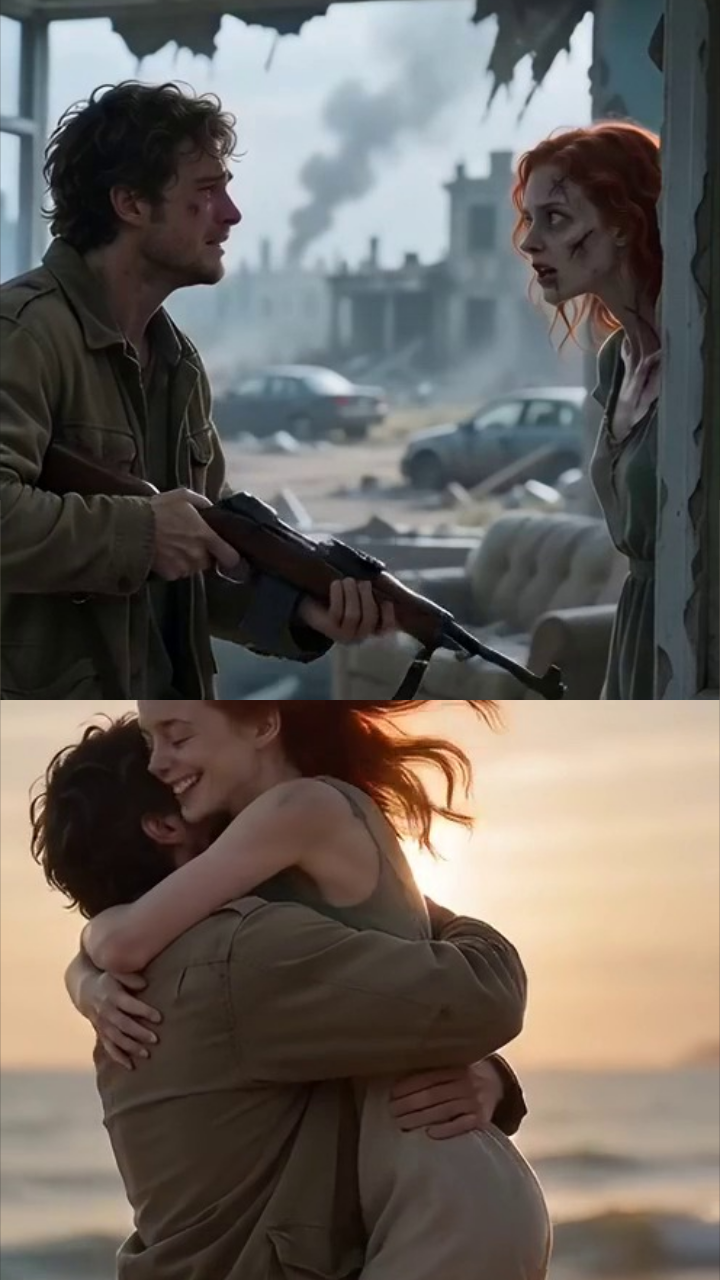
Even the end of the world couldn't keep you apart.
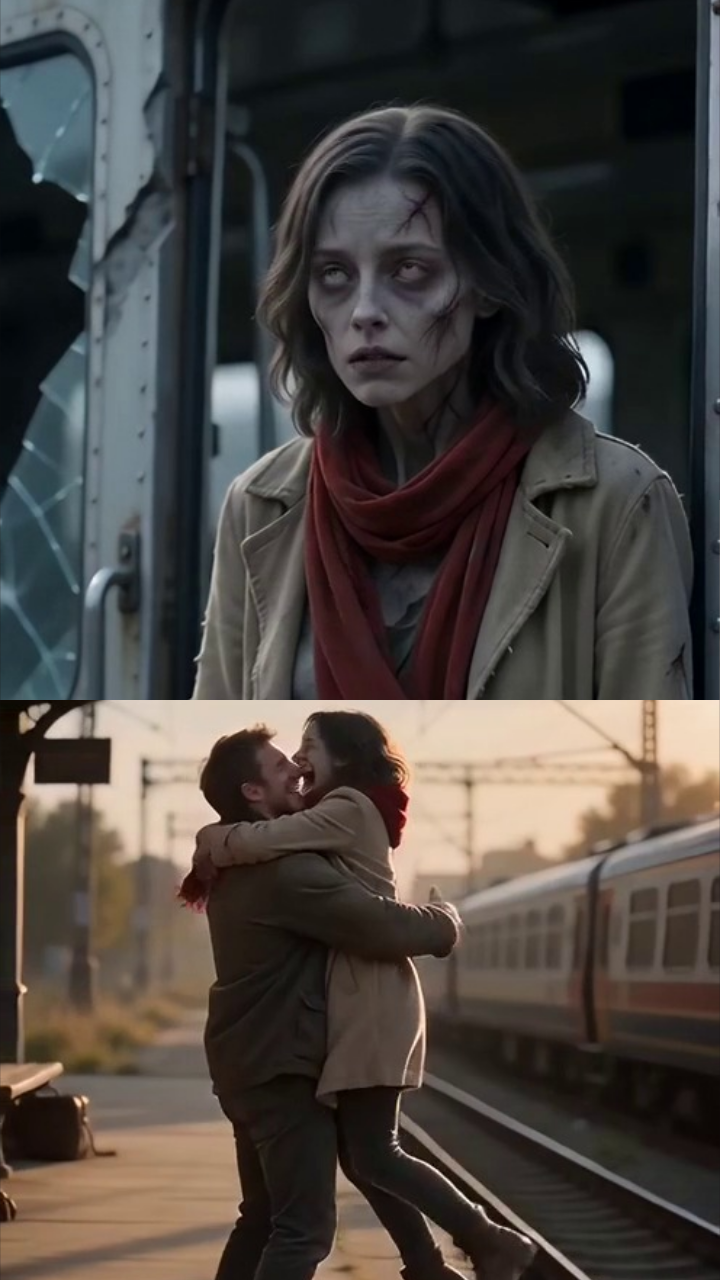
One last arrival. A love that never left.
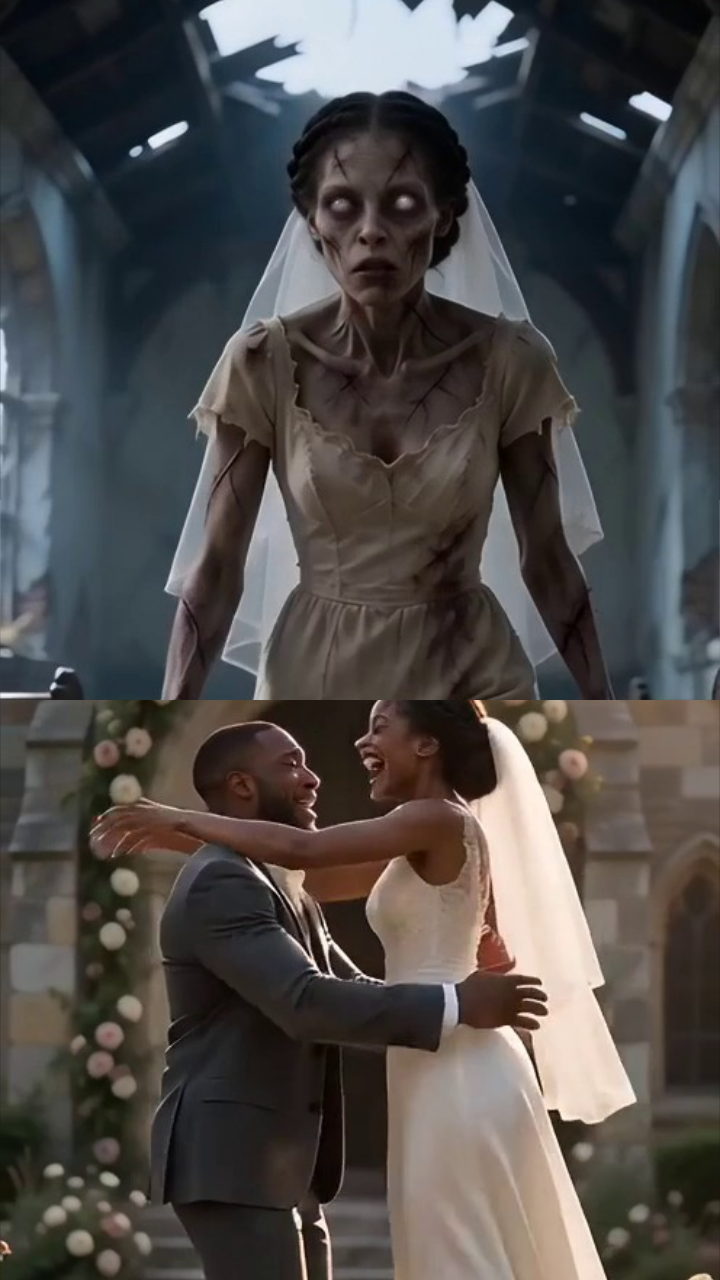
The world fell apart. Your vows never did.
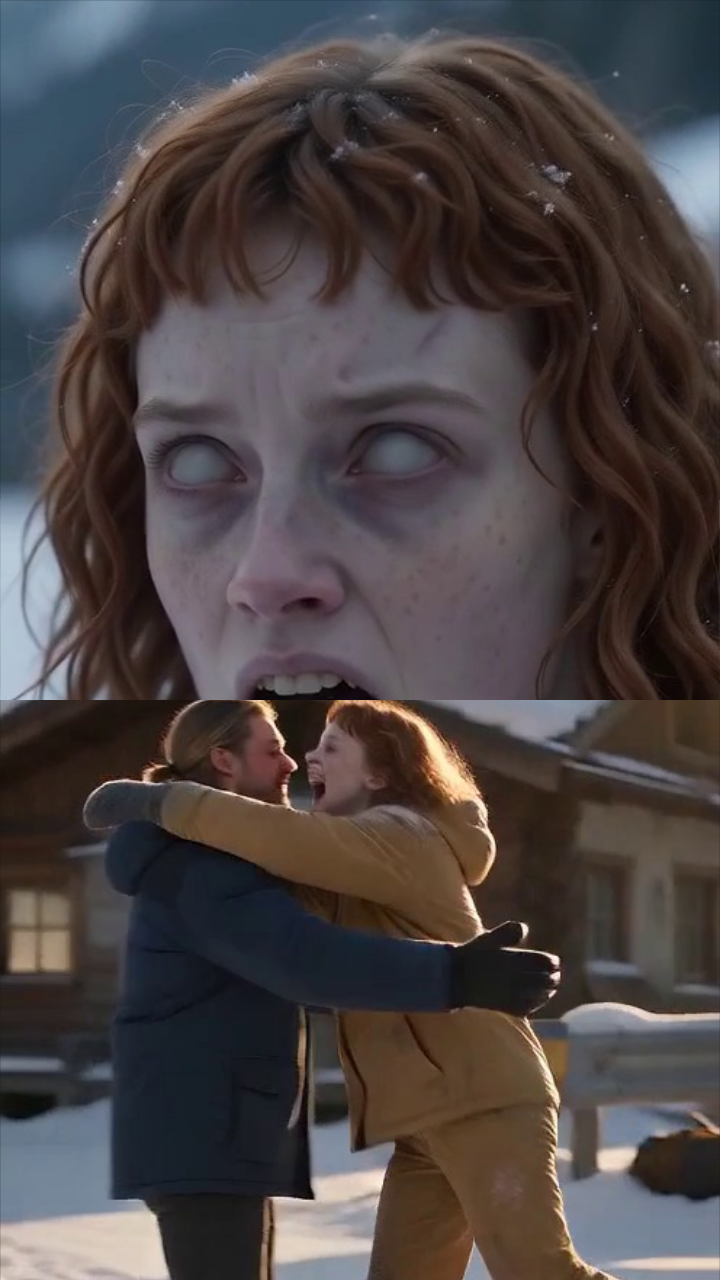
Beyond the cold, that winter still belongs to you.
4 stories · Hover to preview. Click to choose.
10 seconds · 480p · 9:16
One clear adult face per photo. JPEG, PNG or WebP, up to 10 MB each. No nudity, sexual or violent content.